
Bootstrap Tools plugin
Bootstrap Tools with a lot of features to handle Bootstrap column structure
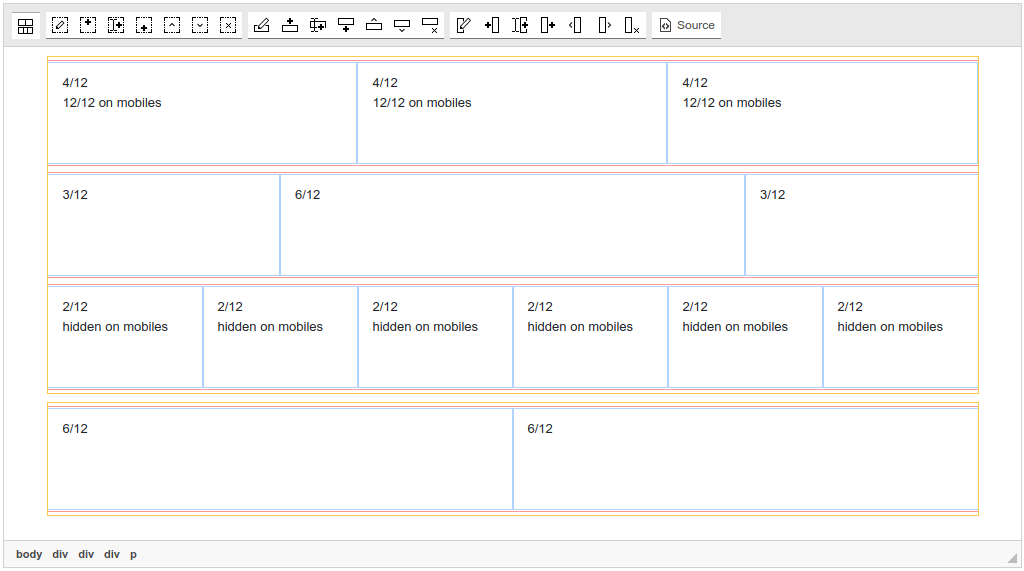
Create and edit any widgets of Bootstrap's framework, manipulate its blocks, insert any Bootstrap's icons in WYSIWYG mode. This is the most flexible solution to operate Bootstrap in TinyMCE, but and the most simple: it already has a plugin for quick and codeless including Bootstrap into your WYSIWYG editor.
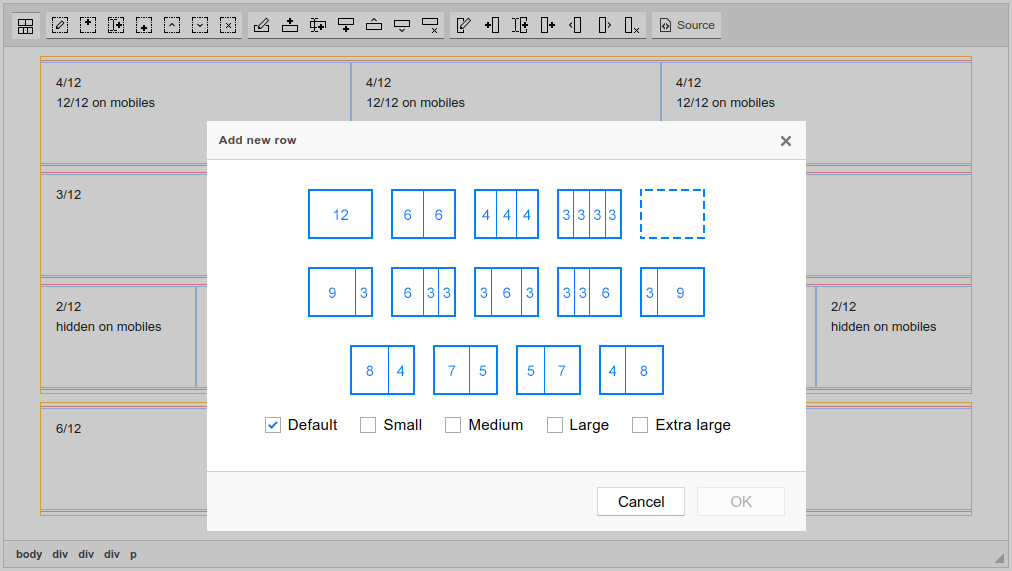
Grid rows and blocks, etc: all will be available to you after you install this bundle.
This bundle contains a number of plugins:
- Bootstrap Include CSS/JS (Helps you to include (attach) Bootstrap's styles to your TinyMCE's document. Lets ability to see all blocks and elements as they will be shown on the site)
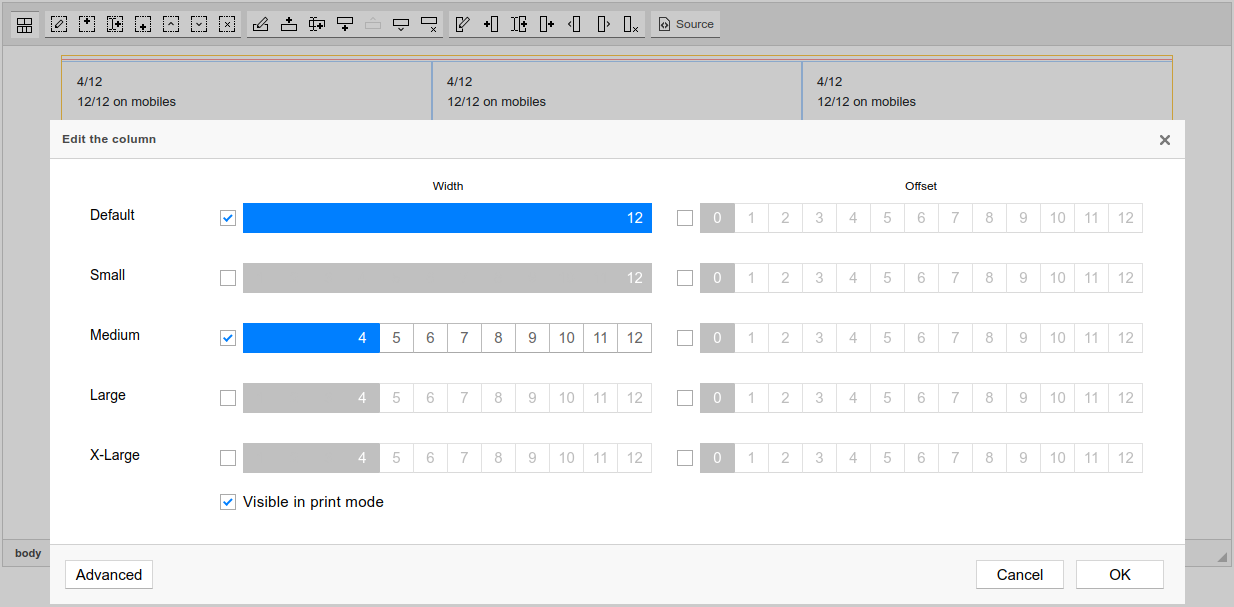
- Bootstrap Block Configuration (Configure existing grid structure by selecting blocks and configuring their sizes and visibility options with help of the dialog)
 Editor42
 TinyMCE
 CKEditor 4
 TinyMCE 5
 TinyMCE 4
Install Bootstrap Tools plugin in Editor42
Self-hosted Editor42
Editor42 from CDN
Install the plugin to Editor42 hosted on your server
- Copy
BootstrapToolsdirectory toeditor42/plugins/. - Edit Editor42 config and add
BootstrapToolstopluginsparameter.
All the buttons this plugin will add to your toolbar automatically.
Example
Here you can see sample Editor42 initialization code with config inside it:
editor42.init({
    selector: "#editor",
    plugins: "BootstrapTools",

    // apiKey: "...",
    // Get your own key in the Dashboard: https://n1ed.com/dashboard
});Bootstrap Tools comes as a part of N1ED. Read the official installation manual on developer website to know more.
Reviews
This plugin has the potential to be a great grid editor! I love its minimalist and clean design.
Building a column structure by hand can seem a little complicated. I have used this add-on for a while though. Right now I prefer the Bootstrap Editor add-on.